
Photo to Text: Turn Your Photo Into a Picture Made of Words
Your photo
Tips for the best picture
Move the mouse over the picture to read your words. On a phone, keep a finger on the picture.
Your photo is only used to make your picture. It is never published.
- Use a sharp, well-lit photo where the faces are large.
- Crop close: the less background, the more words fit on the faces.
- A longer text gives a richer texture; short words read more easily up close.
- Light, soft backgrounds make the words stand out.
This size has another shape: choose again what gets drawn.
Move and resize the frame. For the file you can take any part of the photo, even all of it; a print keeps the shape of its size. Keep the faces large: the closer the crop, the more words fit on them.
Sample picture: the drawing service is not connected on this copy of the site.
Photo to text: your picture, built from your own words
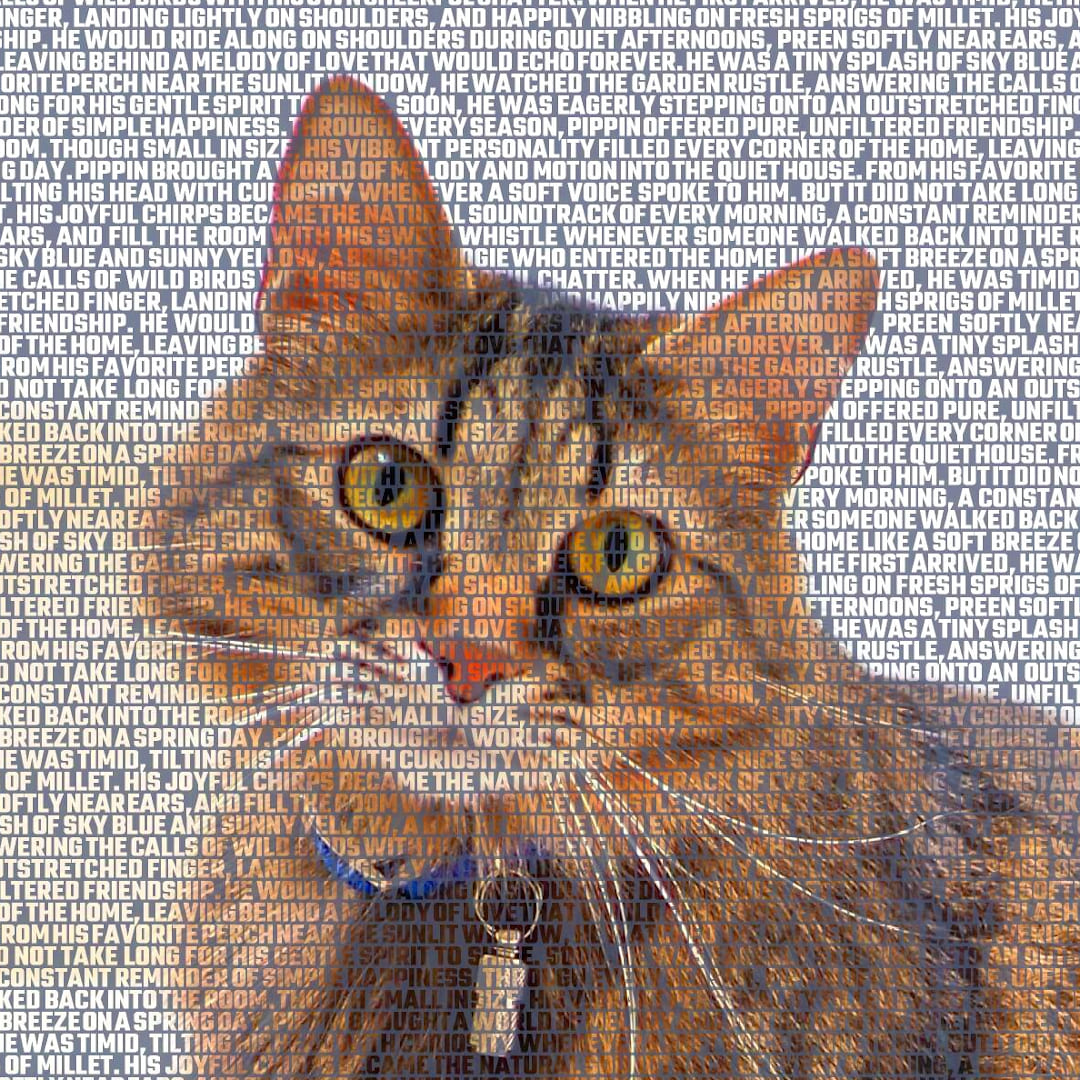
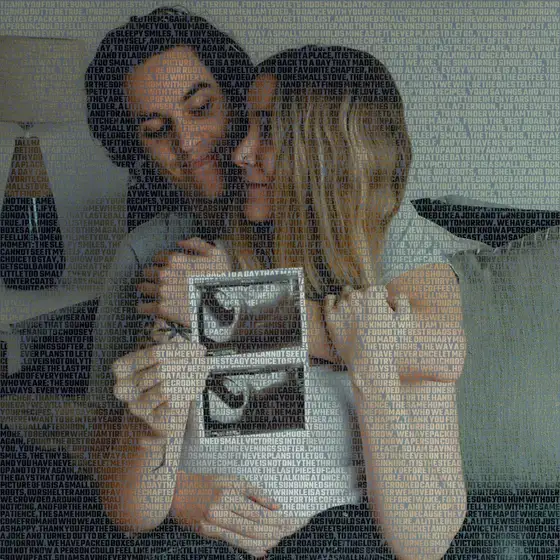
Most photo to text tools do the opposite of what you want: they read the text inside an image (OCR). This one rebuilds your photo with your words. The photo gives the shape, the light and the shade; your text fills every line of it, in the order you wrote it.

From across the room it is your photo; up close, every word can be read. Use it for wedding vows, the lyrics of your song, a letter to someone you love, or the names of a whole team.
The preview is free and takes a few seconds. When you like it, order it as a high-resolution JPG, emailed at once, or as a mounted print in 15 sizes, printed edge to edge on a rigid panel and shipped free worldwide.
How it works
Upload your photo
Choose a photo and crop the part you want drawn: faces large, little background.
Write your text
Type or paste your words: vows, song lyrics, a letter, a poem or a list of names.
Choose background and letters
Pick a background, a font and a letter size, and see your picture made of words in seconds.
Order it
As a high-resolution JPG emailed at once, or as a mounted print shipped free worldwide.


Ready to see your words become a picture?
The preview is free and takes a few seconds.
Make my picture