
Turn Song Lyrics Into a Picture
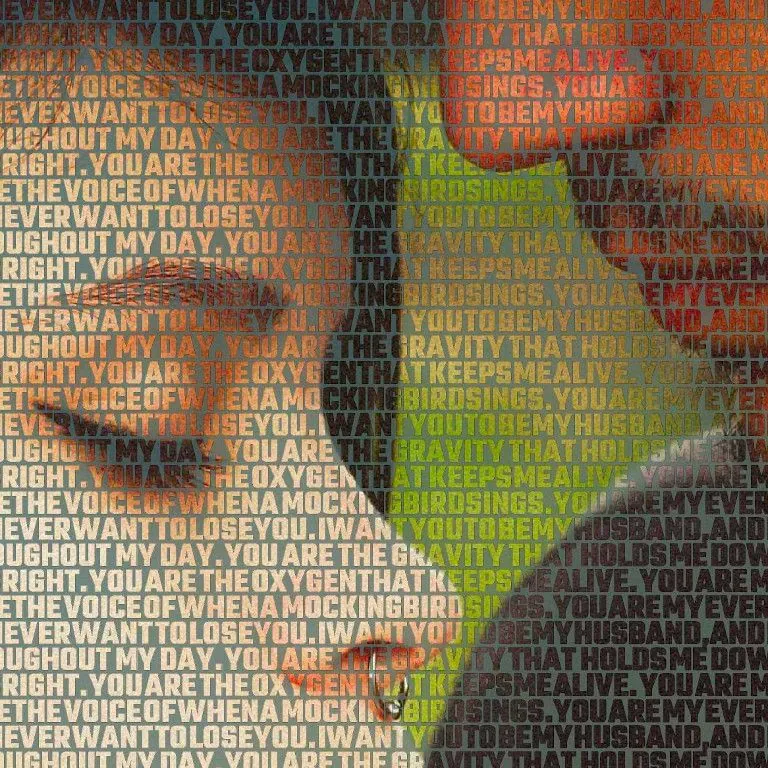
How to Put Song Lyrics on a Photo
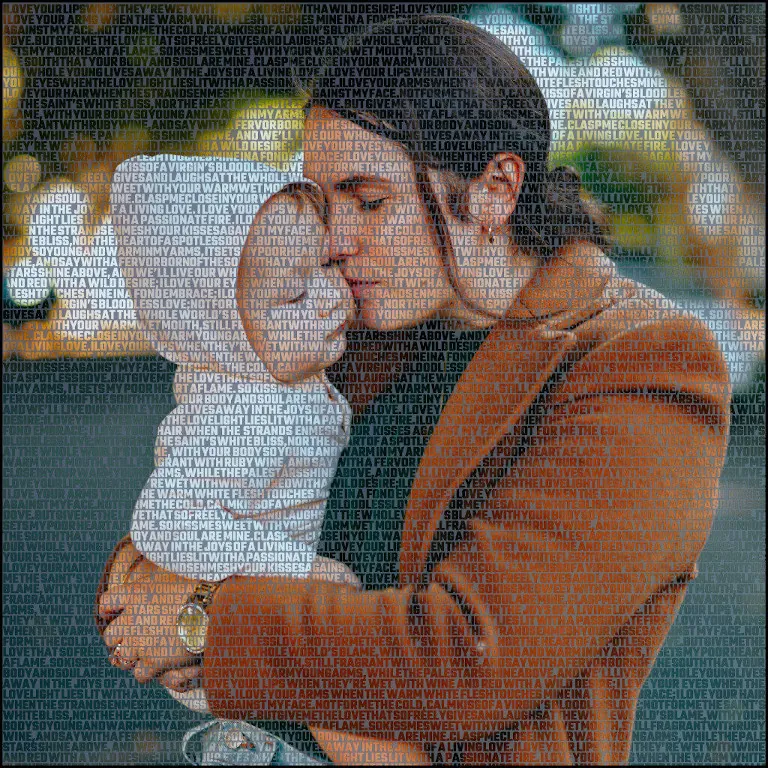
Make a Song Lyrics Picture Frame
Wedding Song Lyrics Gift Ideas
And if what you want to frame are your promises rather than a song, turn them into a wedding vows print.
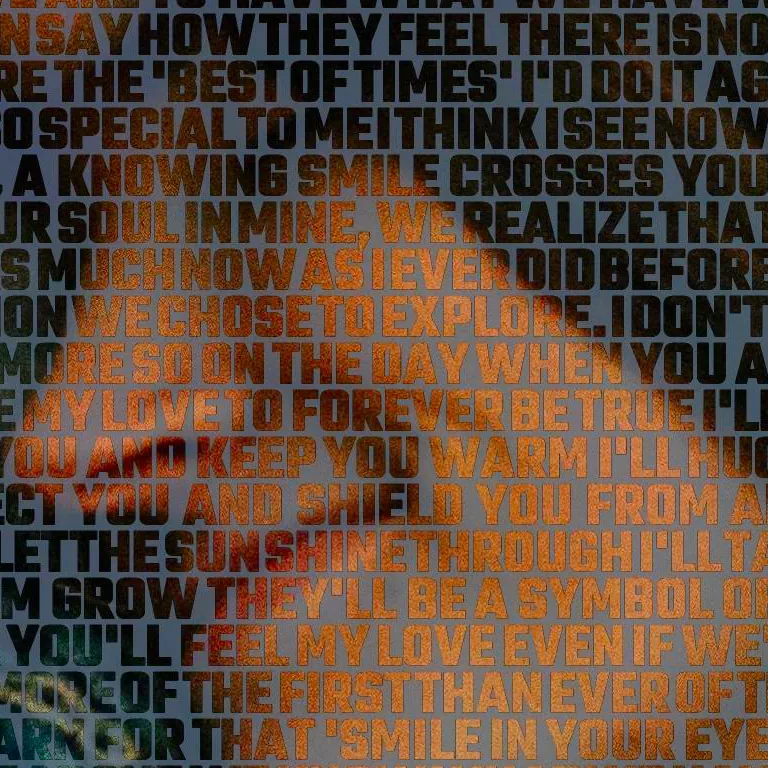
Why Choose Our Lyrics and Pictures Generator?
Song Lyric Wall Art — Canvas Prints, Frame-Ready
Your song lyric wall art is printed with the giclée technique — the same high-detail inkjet process used by art galleries — on a foam panel that keeps colors rich for decades. UV-resistant inks protect your picture with song lyrics from fading, and every print arrives mounted, frame-ready and easy to hang.
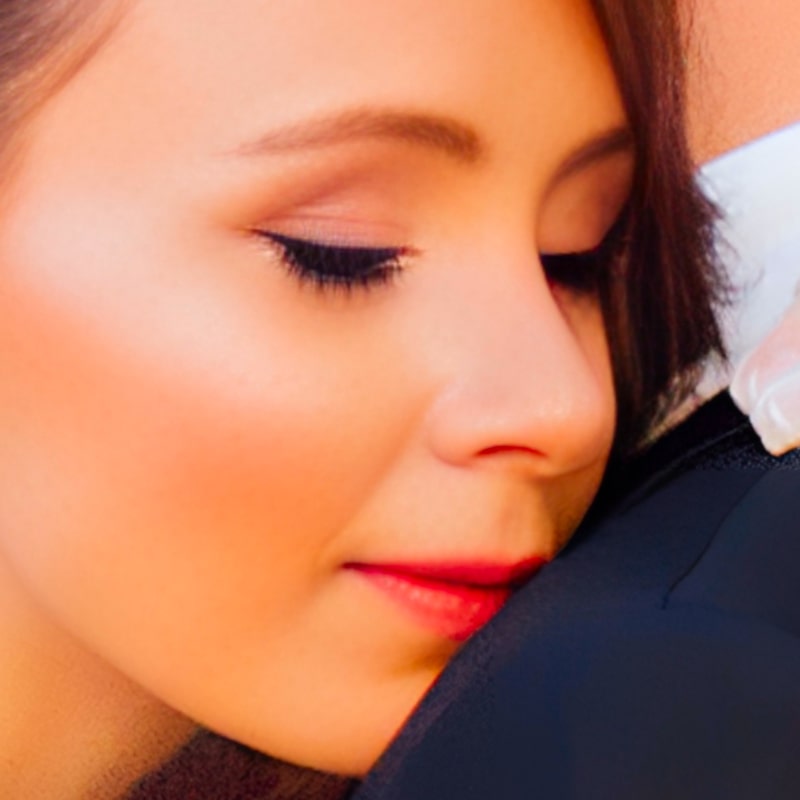
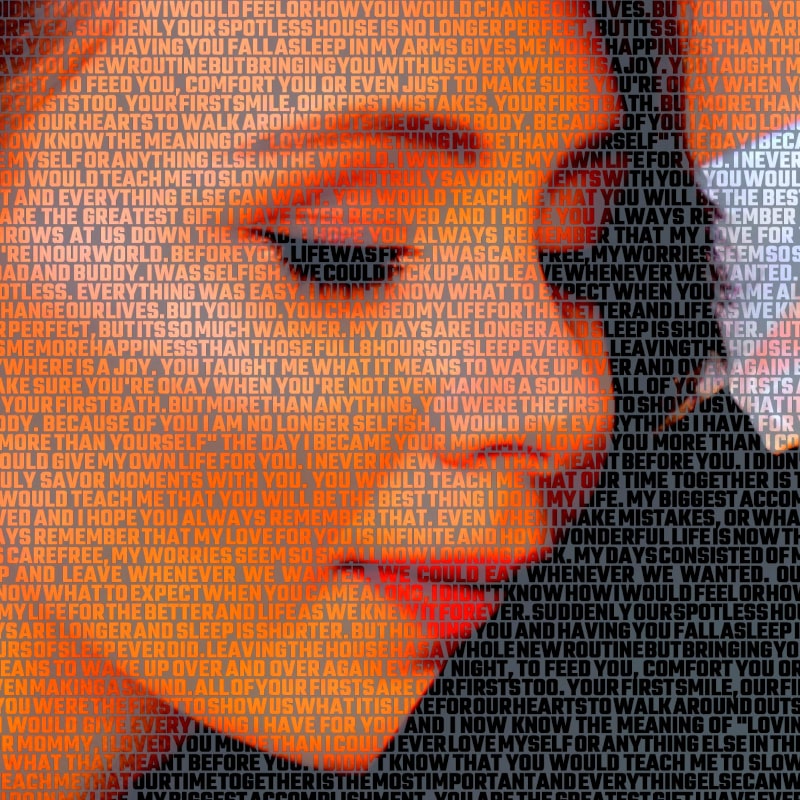
Prefer to print it yourself? Order the high-resolution JPG instead and turn it into framed song lyrics and photo art at your local print shop. Either way, shipping on printed canvases is free worldwide — see our prices for both options.
Song Lyric Gifts for Every Occasion
Song lyric gifts work because they carry a story only two people fully understand. Turn the first-dance song into an anniversary keepsake, print the lyrics that got a friend through a hard year, or surprise a music lover with a custom lyrics photo gift built from their favorite track and a photo of the moment it belongs to. It also makes a truly unique Valentine’s Day photo gift, transforming “your song” into a visual memory you can display on the wall.
Looking for song lyric gift ideas for a specific occasion? Browse our anniversary photo gifts or see how to build the perfect first dance song gift — every personalized lyric gift starts from the same three steps and is ready in about five minutes.
Frequently Asked Questions
Upload your favorite photo, paste the song lyrics into the text box, and our tool blends the words and image into a high-resolution artwork ready to frame. The whole process takes about five minutes.
Yes. You can order your song lyrics picture as a printed canvas, mounted on a foam panel and ready to hang, or as a digital JPG file sent to your email.
It makes a personalized gift for anniversaries, weddings and birthdays. You combine a meaningful photo with the lyrics of a special song to create a one-of-a-kind keepsake.
Wedding first-dance lyrics with a photo from the big day, “your song” for an anniversary, the song a parent always sang for a birthday, or a favorite verse for a music lover. Any song lyric gift can be ordered as an instant JPG download or as a canvas print with free worldwide shipping.